Files
A Far-style list with a cursor, marks and function keys, or an Explorer-style tree. Tabs, history and favorites in both.
Panora Navigator puts two panels side by side and lets each one be what you need right now: a file list, a folder tree, a web page, a terminal, an FTP site or an encrypted storage. All of it runs on the Far Manager keys your hands already know.
FreeWindows 10 or 11, 64-bitLinux version coming soon
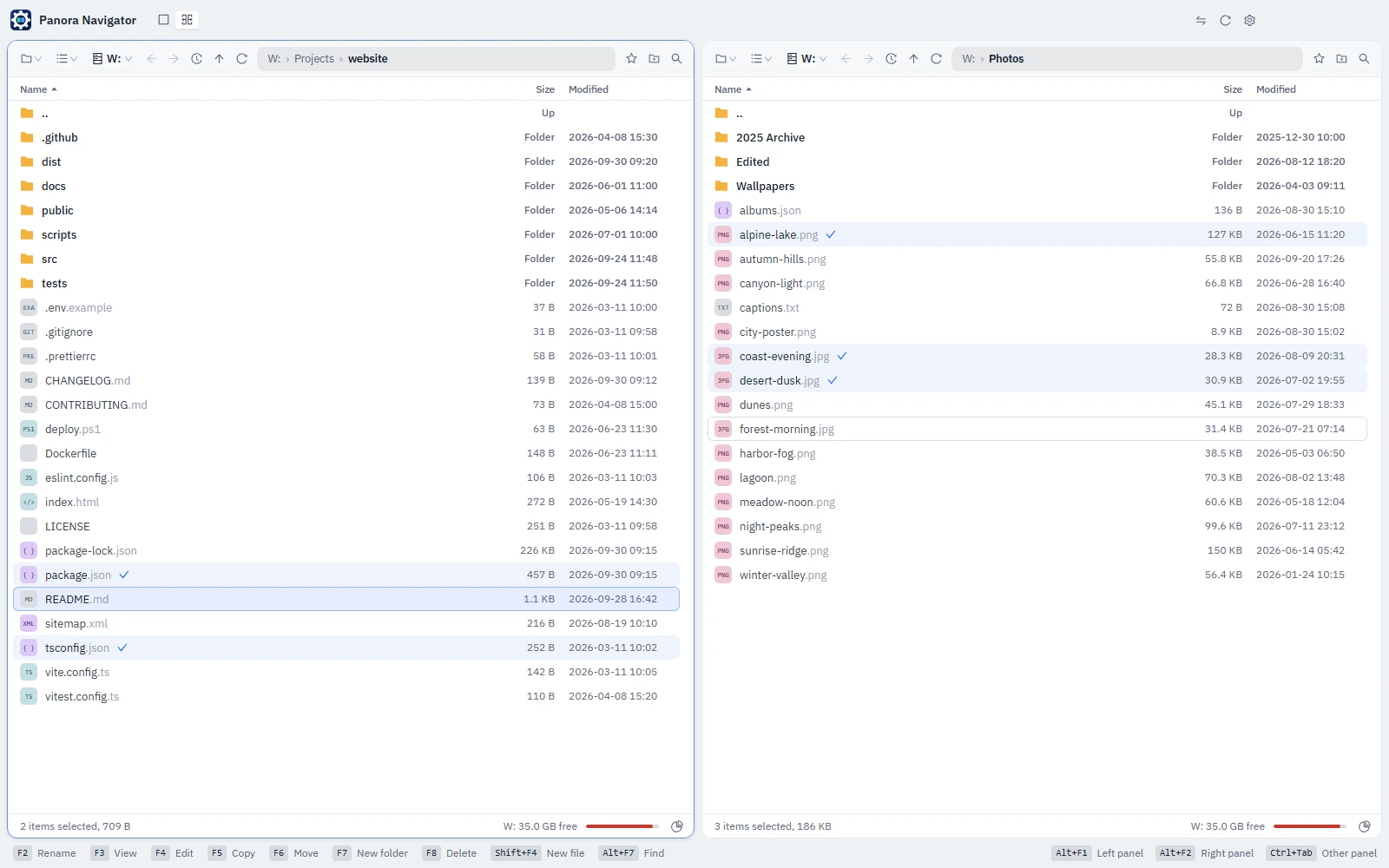
Pick what the left and right panels show from the toolbar or with Alt+F1 and Alt+F2. A panel remembers where it was in each kind, so coming back to Files brings back the same folder.
A Far-style list with a cursor, marks and function keys, or an Explorer-style tree. Tabs, history and favorites in both.
Web pages in tabs right next to your files. Import your bookmarks from Chrome, Edge, Brave, Vivaldi or Opera.
Command Prompt, PowerShell, Git Bash and WSL in tabs, each with a real console behind it, opened in the folder you are in.
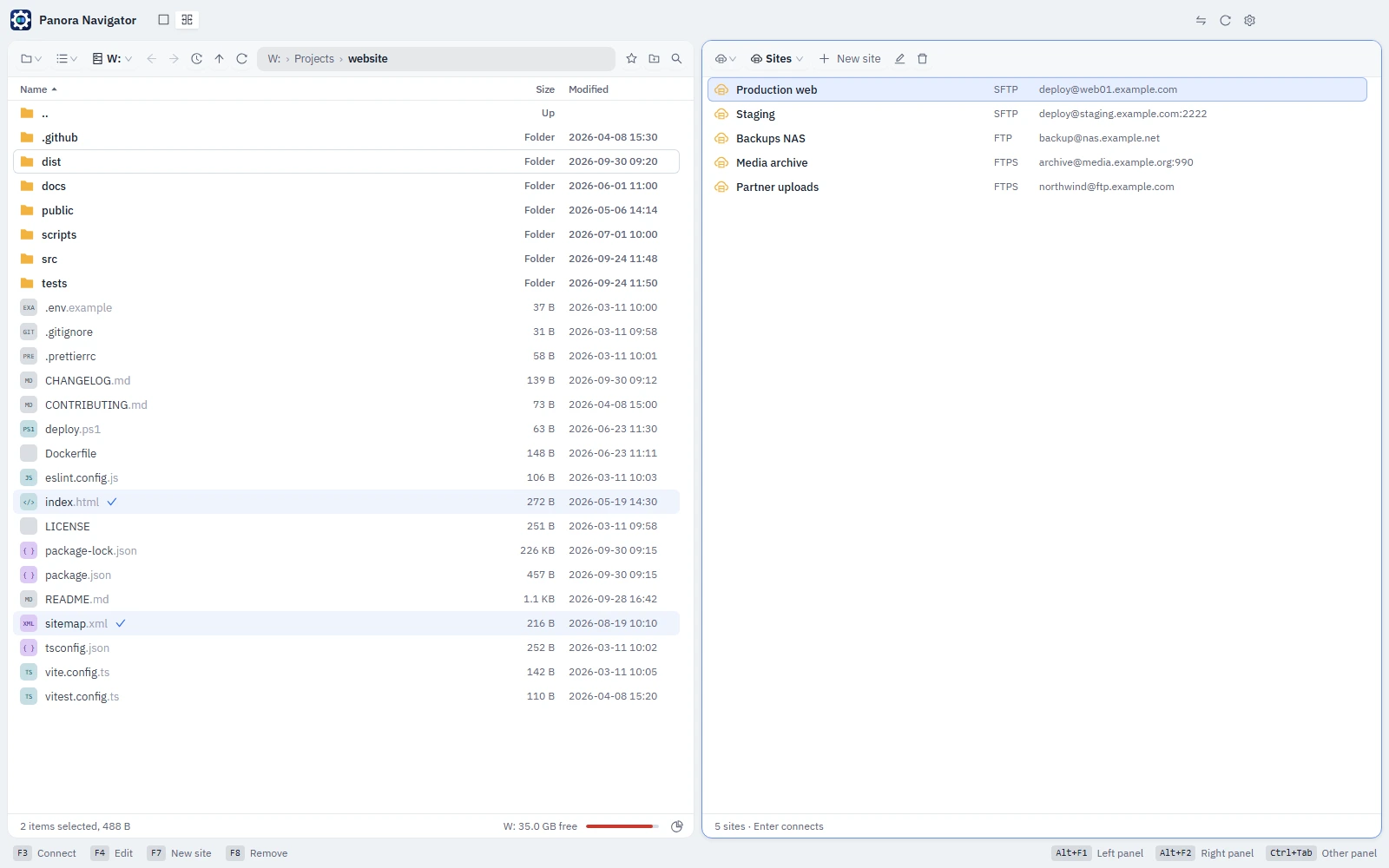
Servers open as folders: copy with F5, edit with F4 and save straight back. Passwords stay encrypted.
An encrypted file you work with as a drive. AES-256-GCM, unlocked by your password and locked when you leave.
Follows the cursor of the other panel and shows the PDF, picture, text, folder or archive it is on.
F5 copies to the other panel, F6 moves, F7 makes a folder, F8 deletes to the recycle bin, Tab changes panel. The keys of the active panel are always listed along the bottom, and every one of them works with the mouse as well.
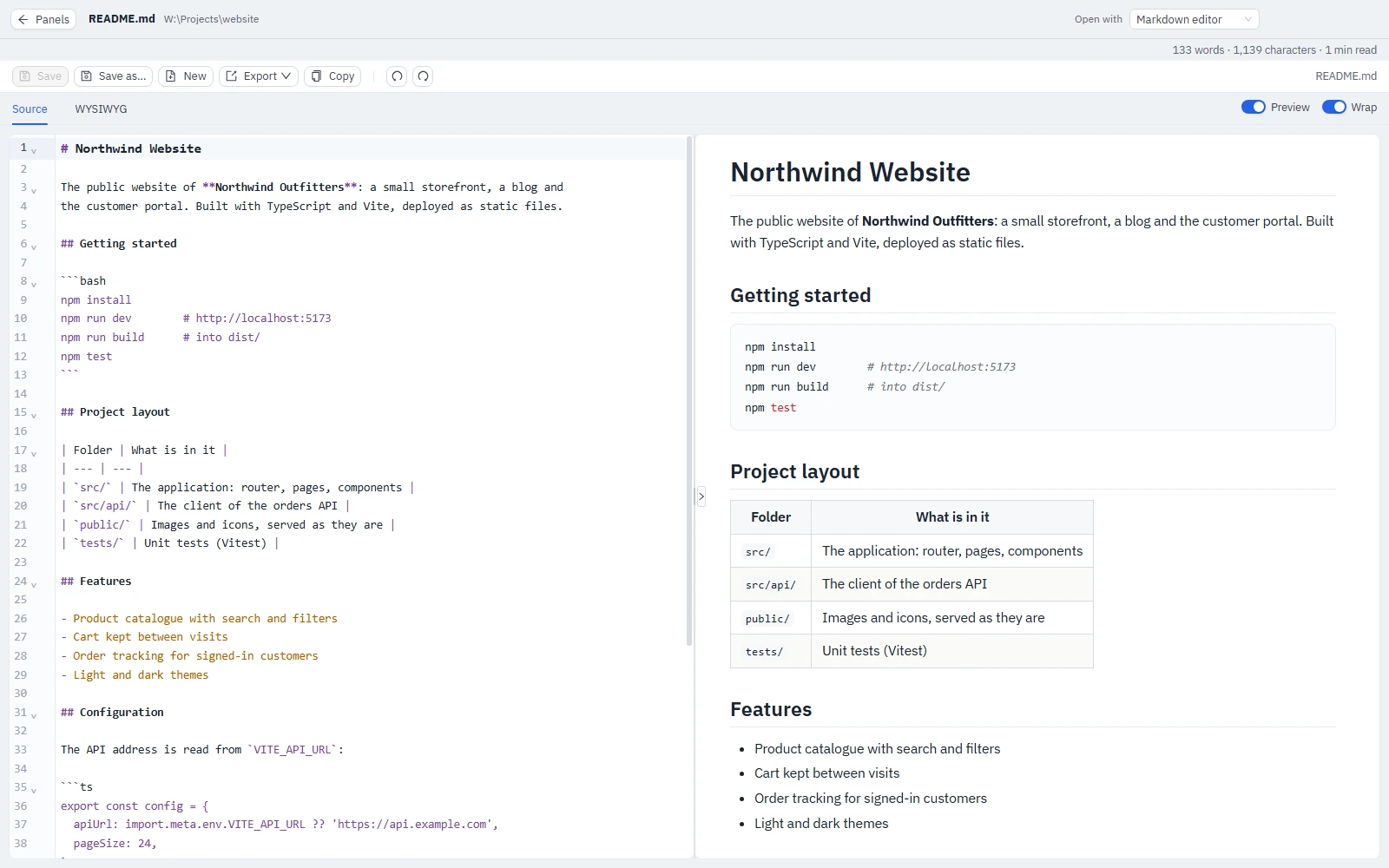
Press F4 and the file opens over the whole window in the editor made for it: code with syntax highlighting, Markdown with a live preview, JSON, XML, CSV and spreadsheets, PDF, images. Esc brings you back to the panels.
Register an SFTP or FTP server once and it opens as a panel with the same keys as a local folder. Keep what must stay private in a secure storage: one encrypted file that opens as a drive when you give its password.
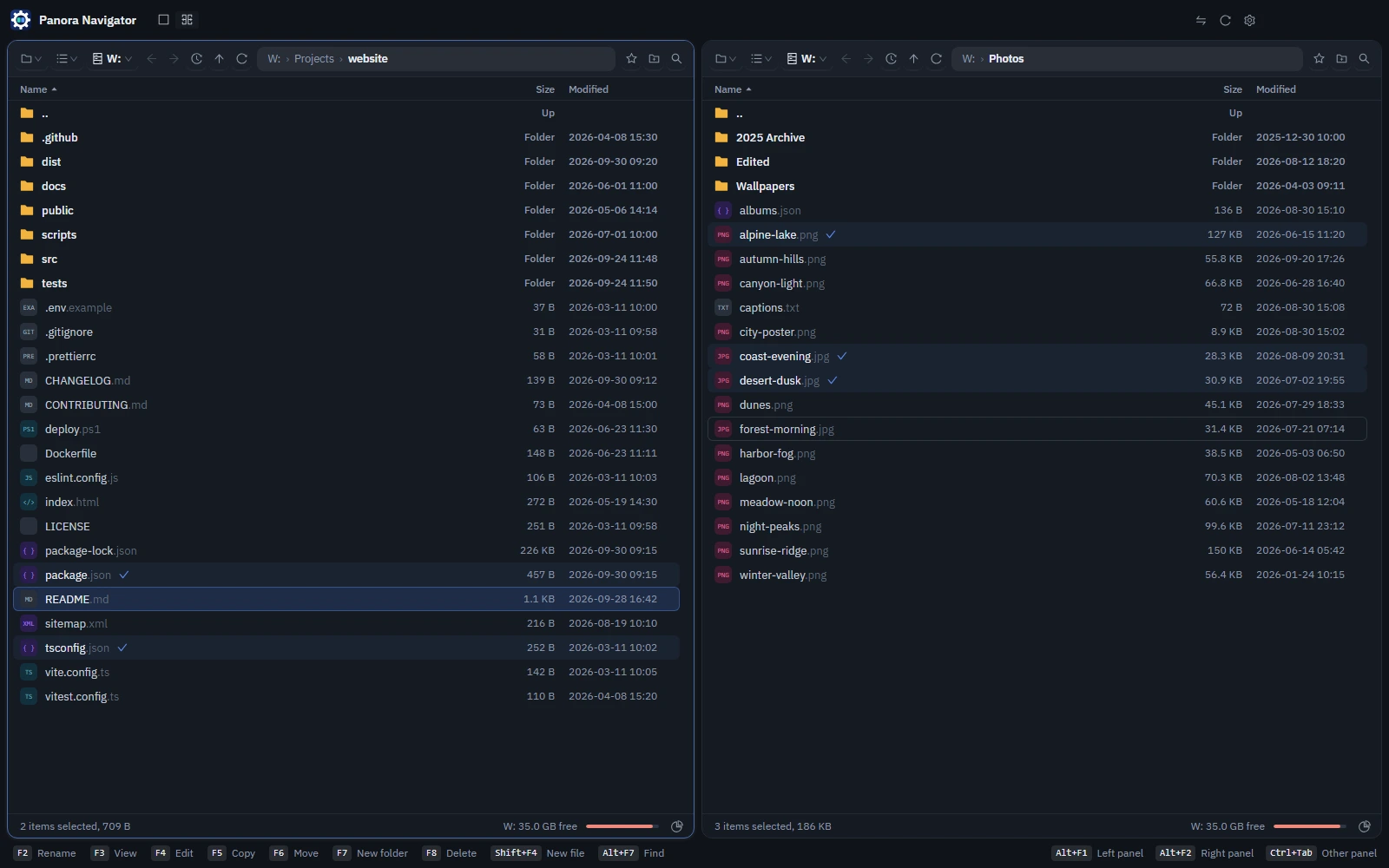
Choose from the built-in themes or make your own: colours, fonts and corner radii are edited with a live preview. Turn off the panel kinds you do not use, keep the app in the notification area, start it with Windows.
The editor is chosen by the file extension, and "Open with" switches to another.
Yes. The basic version of Panora Navigator is free to download and use.
Windows 10 and Windows 11, 64-bit. A Linux version is in the works.
The installer puts the app into a folder you choose and adds it to the Start menu. The portable version is a single .exe that runs from wherever you keep it, without installing anything.
If you turn on Start with the system in the portable version, do not move the file afterwards: Windows starts it from where it was. If you do move it, turn the switch off and on again.
Yes. The file panels follow Far Manager: F3 opens a file, F4 edits it, F5 copies, F6 moves, F7 makes a folder, F8 deletes, Tab goes to the other panel and Alt+F1 / Alt+F2 choose what the left and right panels show. The keys of the active panel are listed in the bar along the bottom, where they can be clicked too. See Keyboard shortcuts.
The file clipboard is the app's own, not the system one: Ctrl+C, Ctrl+X and Ctrl+V work between the panels of Panora Navigator, and files copied in Explorer are not seen there. To bring files in from elsewhere, open their folder in one of the panels and copy with F5, or drag them from one panel to the other.
Free for Windows 10 and 11. Install it, or run the portable version from any folder.